Widget

What are Widgets?
Widgets are used to add page content. Some widgets reference "page types" in the content tree. These widgets will pull in this content so you wont have to edit them on the individual page. Other widgets are editable within the widget properties on a page.
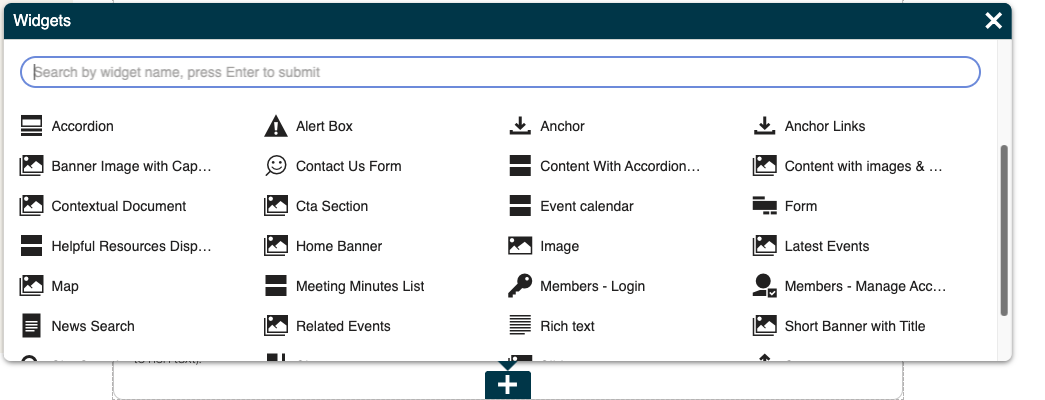
To add a widget:
Go to the "Page" tab of the page you want to add the widget to
Click the blue "+" in the section you want to add the widget to
Select the widget from the widget menu
To view the widget properties click on the gear icon on the right hand side when hovering over the widget (this does not apply to rich text).
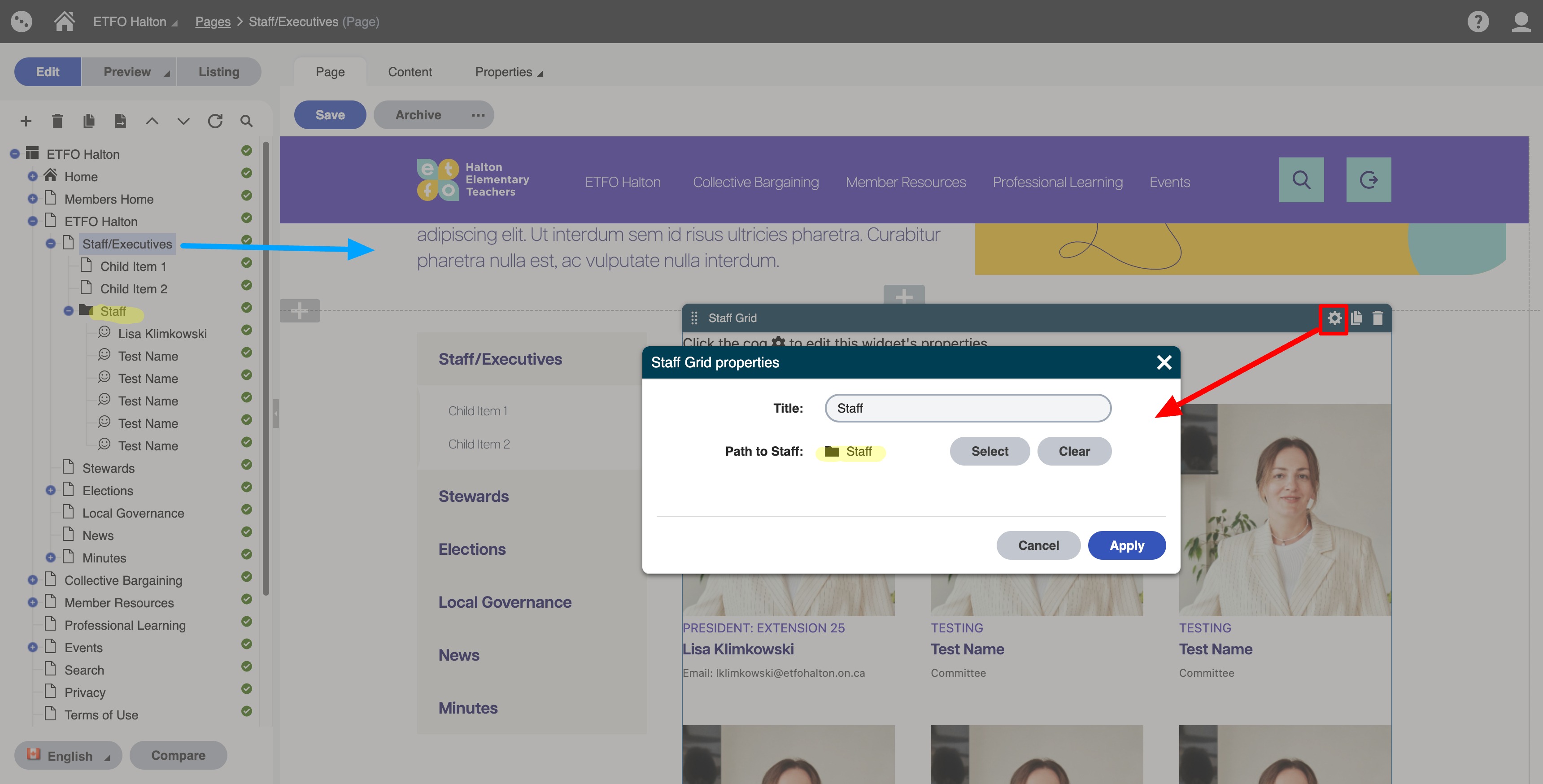
Note: if you click the "copy" icon next to the gear icon on the widget it will make a copy of the widget. When you go to the widget menu you will see it copied on the list. This is helpful if you like the styling and content of a widget or what to reuse the widget.
Content Editing Widgets Used on the website
| Widget | Screenshot |
|---|---|
| Home Banner | 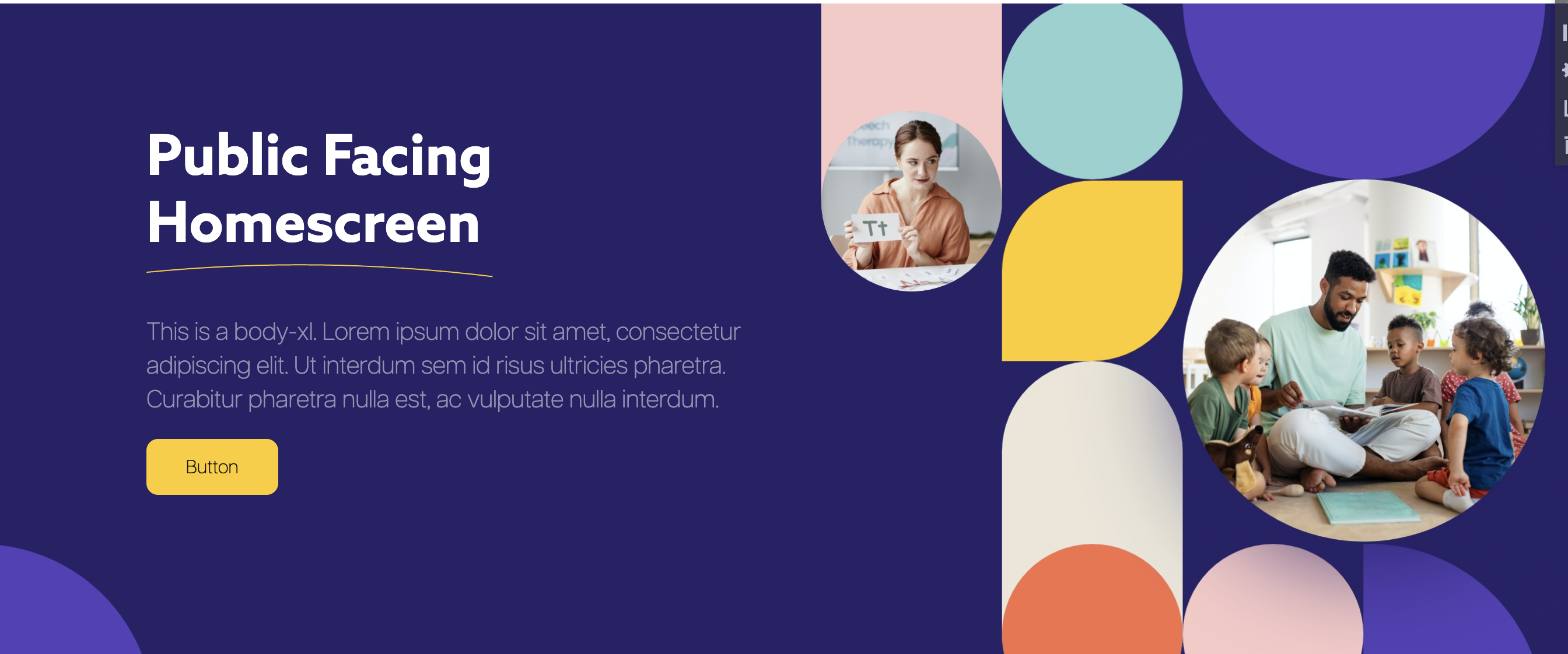 |
Short Banner With Title |  |
Banner Image with caption |  |
| Alert box |  |
| Anchor Links | |
| Anchor | |
| Accordion | 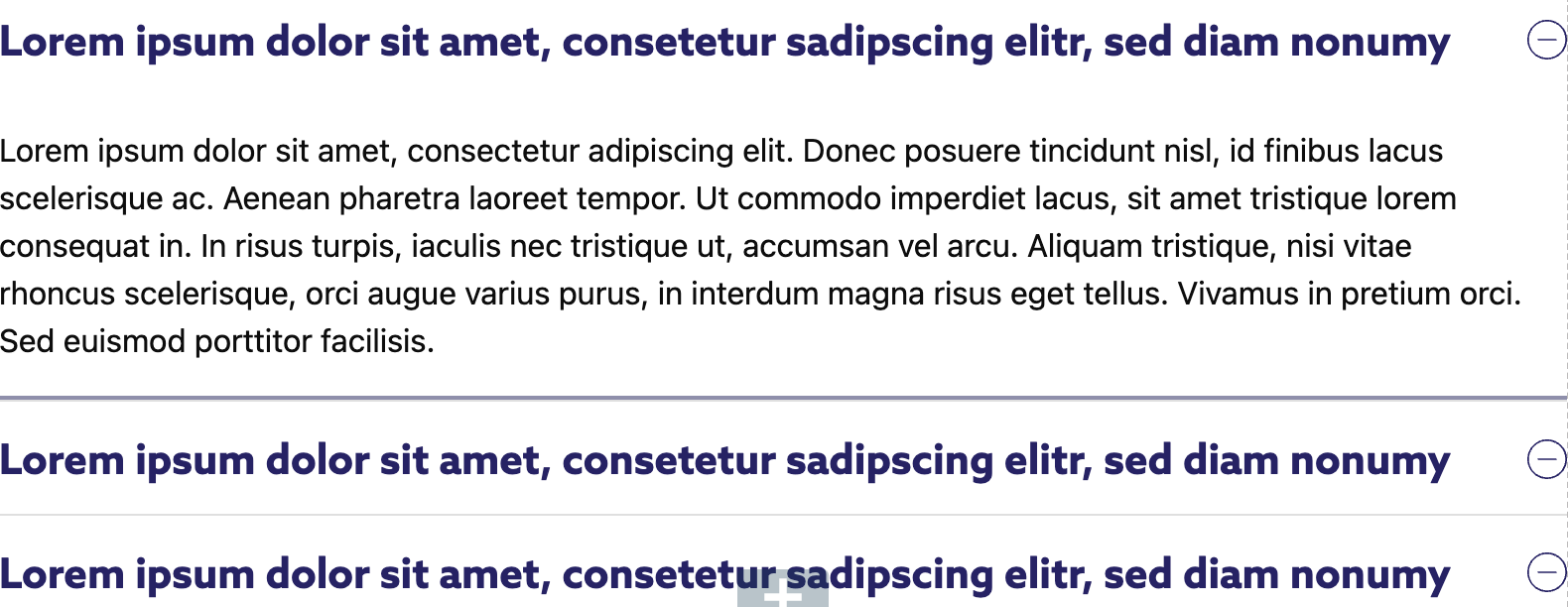 |
| Content with Accordion | 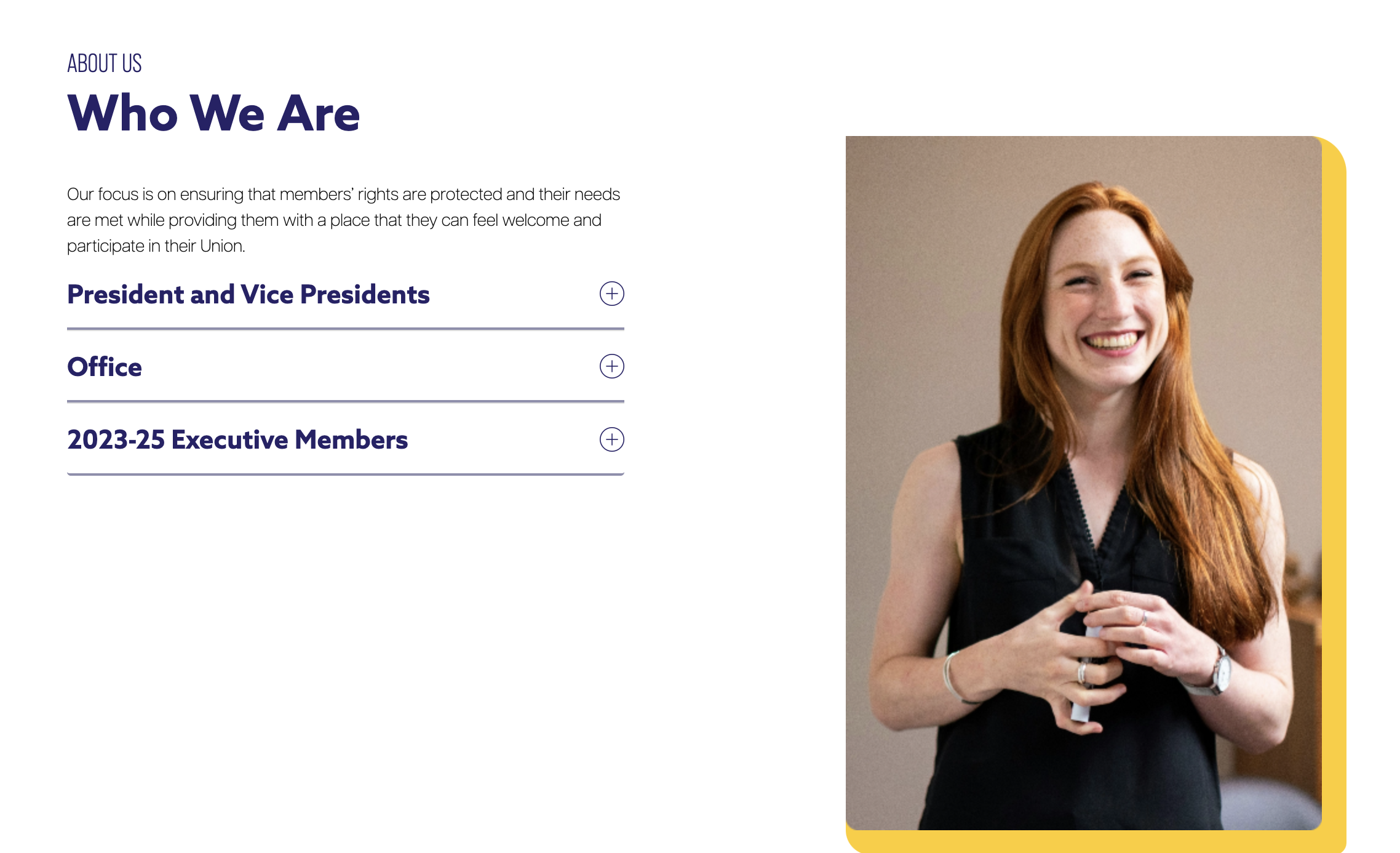 |
| Content with Images and Bullet points |  |
| CTA section |  |
| Form | |
| Helpful Resources Display | 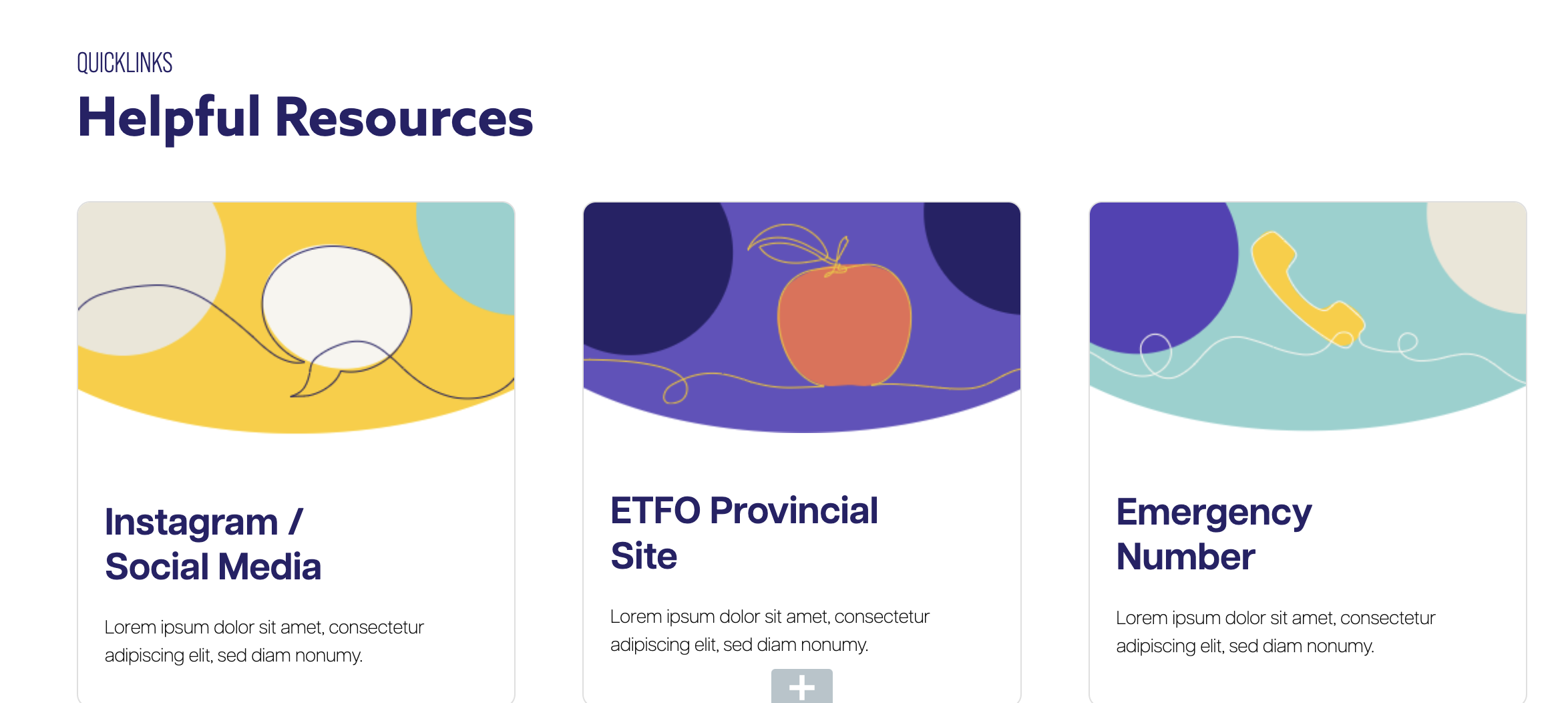 |
| Image | This widget will autoscale any image to 100% width of the container |
| Latest Events | 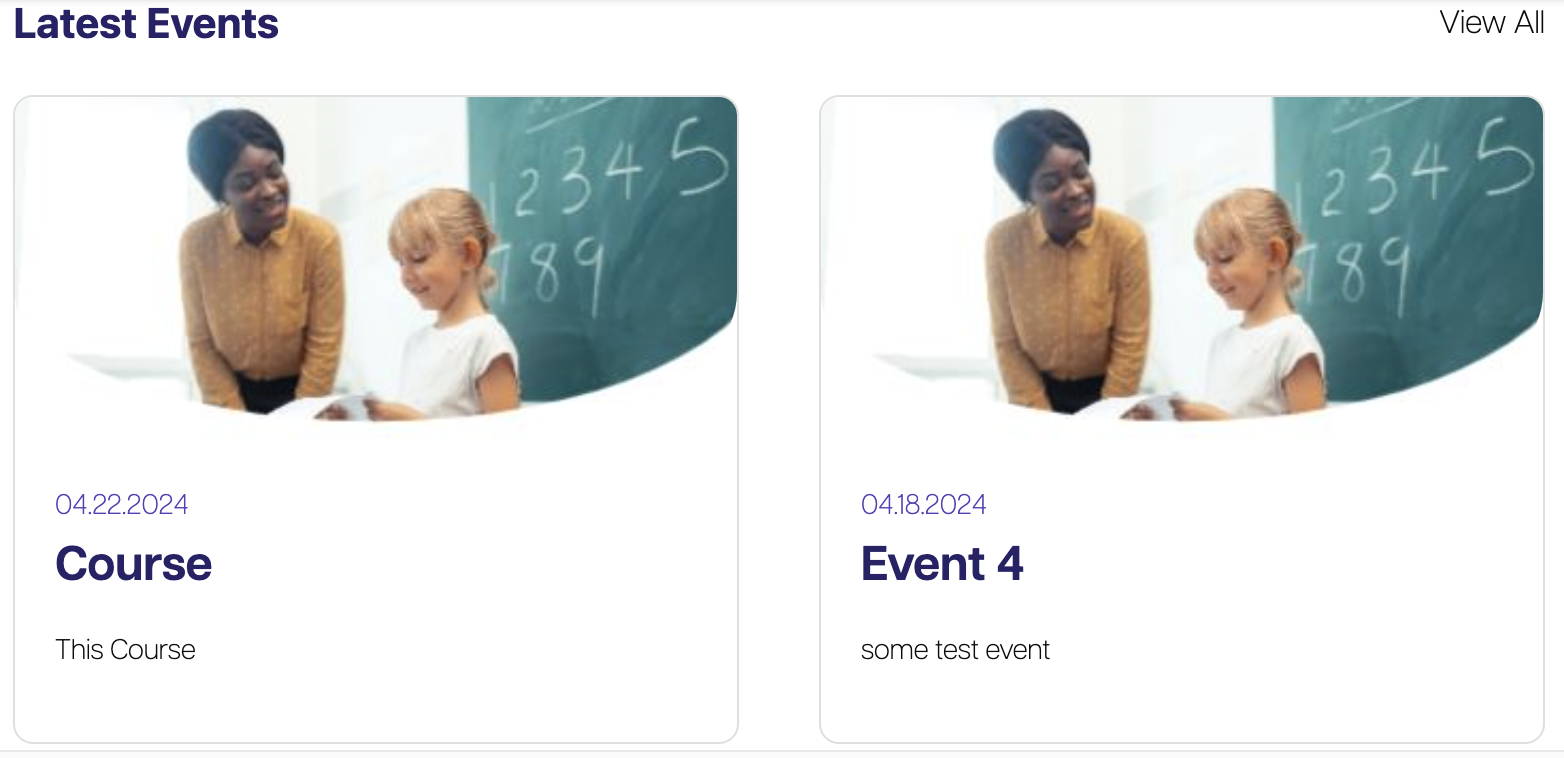 |
| Map | 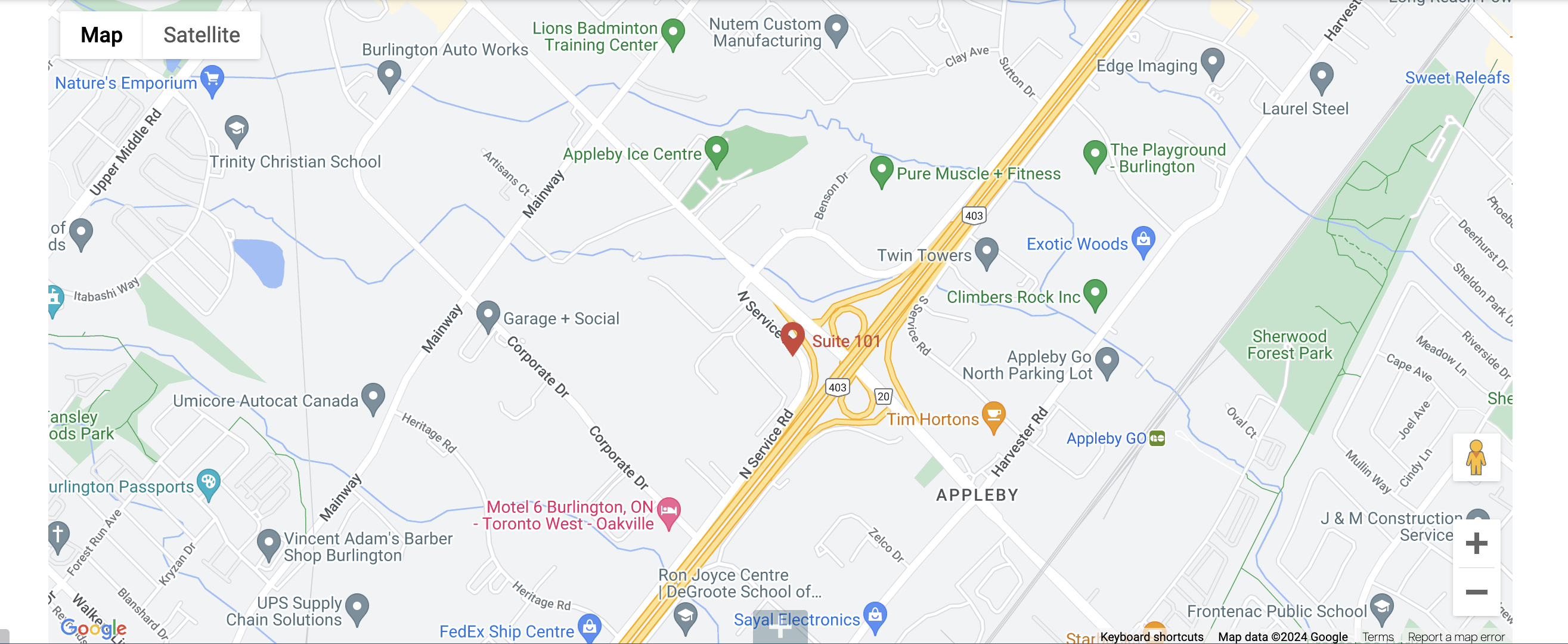 |
| Related Events | 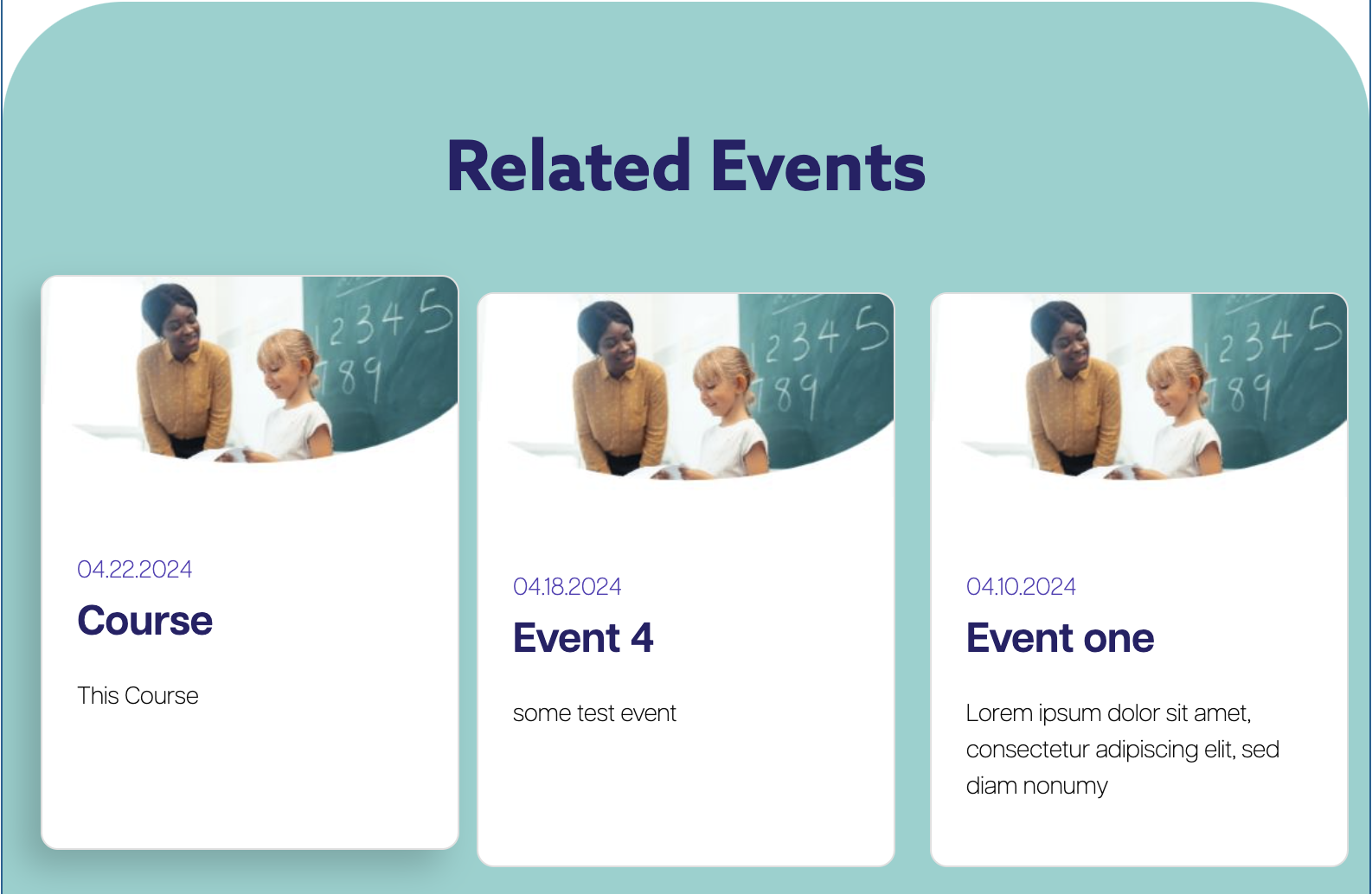 |
| Rich Text | 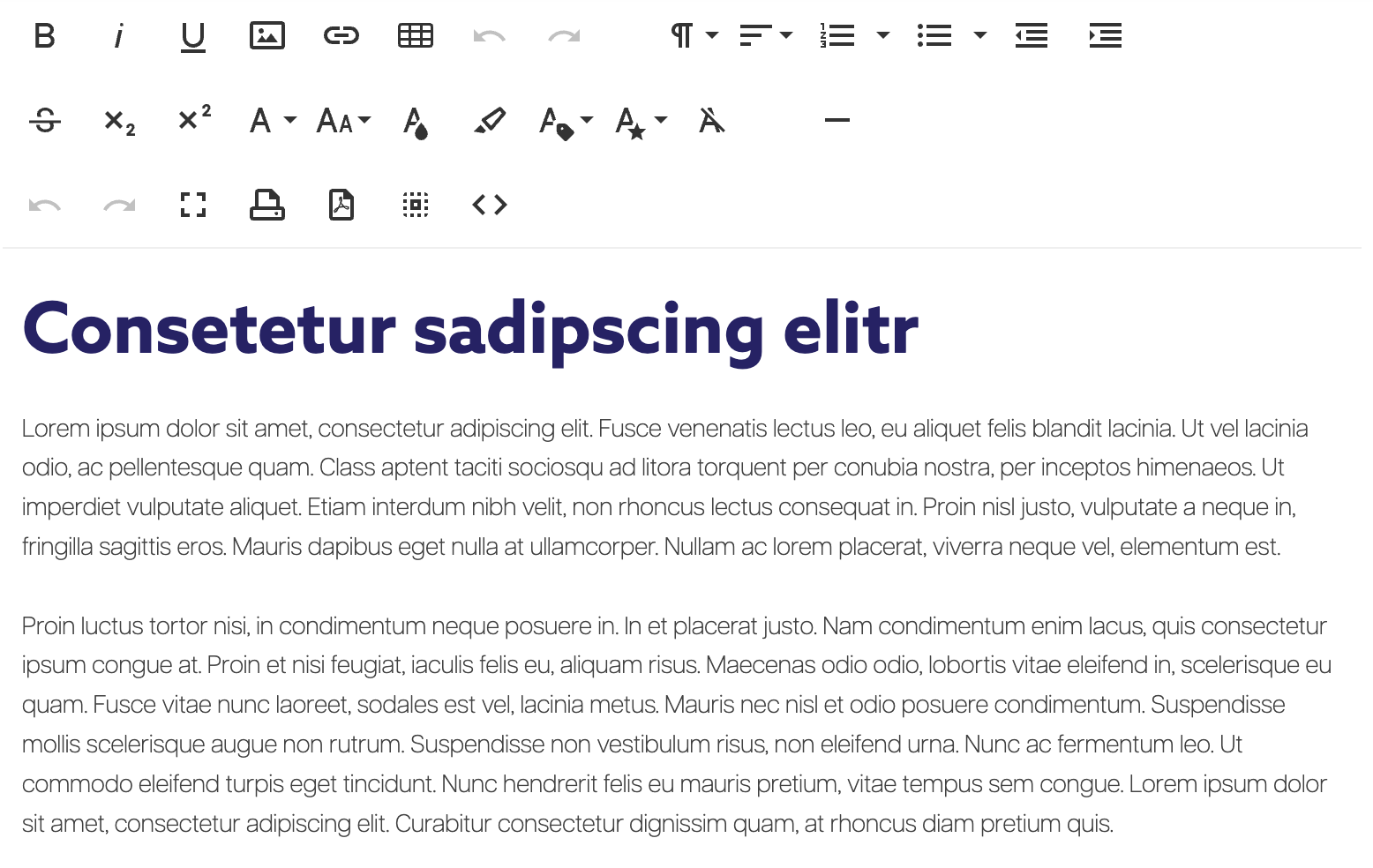 |
| Slider |  |
| Spacer | The spacer widget is used to create space between widgets |
| Tabbed Content | 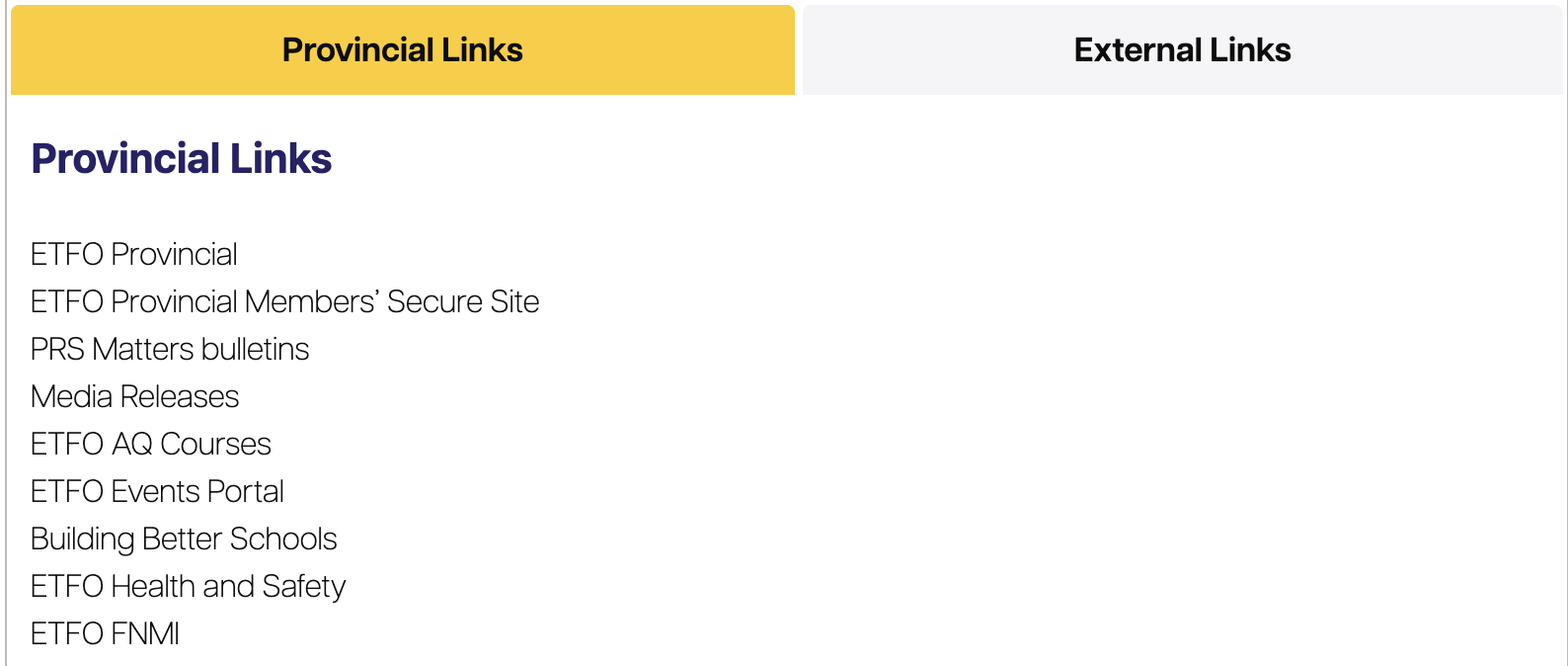 |
| URL items |  |
| Video | Can be used to add video or add video in rich text editor by going to code view (clicking on < > ) and pasting embed code |